A cigarette-lighter dash cam only records while the engine's running. A hardwired one keeps recording — or at least keeps watching — while the car is parked, which is the whole point if you want footage of someone hitting your car in a car park. That constant power has to come from somewhere the car's electrical system can actually support, which is why a proper hardwire kit always has three leads: a constant 12V feed, an ignition-switched 12V feed, and a ground. Get any one of those three wrong and the camera either doesn't work properly, or it quietly flattens the car's battery over a few days.
What ACC, BATT and GND actually are
- BATT (constant / battery-fed). A fuse slot that has 12V on it all the time, whether the ignition is on, off, or anywhere in between. This is what powers the camera's parking-mode surveillance while the car is switched off.
- ACC (accessory / ignition-switched). A fuse slot that only has 12V when the ignition is in the accessory or "on" position. This is how the camera knows the car is actually being driven, so it can switch out of parking mode into normal continuous recording.
- GND (ground). A return path to the car's chassis, completing the circuit. Without a solid ground, the camera can brown out, reboot randomly, or not power up at all.
Most hardwire kits also include a low-voltage cutoff — a small inline module that disconnects the BATT feed once the car's battery drops below a set voltage, so the camera can't drain it flat while parked for days. If a kit doesn't have this, we don't recommend running it straight off a permanently-live fuse slot.
Finding the real ACC and BATT fuse slots — don't guess
Fuse box diagrams printed in the owner's manual or moulded into the fuse box lid are a starting point, not proof. Labels get misprinted, revised between model years, or simply don't tell you whether that circuit is switched or constant. The only way to know for certain is to test it with a meter:
- With the ignition fully off, probe each candidate fuse slot (positive probe on the load side of the fuse, meter to a known good ground). Any slot reading 12V with the ignition off is a BATT candidate.
- Turn the ignition to accessory or on, and re-test the remaining slots that read 0V in step one. Any slot that now reads 12V is an ACC candidate.
- Pick a low-current circuit for each — things like a rear demister, infotainment or interior light fuse are usually fine. Avoid tapping into airbag, ABS or safety-system fuses even if they happen to test the right way electrically.
Once you've identified the correct slots, use a fuse tap ("add-a-fuse") matched to the physical blade size in that fuse box — mini, low-profile mini or micro2 are all different sizes and aren't interchangeable. The tap carries its own fuse in addition to the original, so the original circuit stays protected exactly as it was from the factory; match that new fuse's rating to what the dash cam actually draws, not to whatever's sitting in the kit's bag by default.
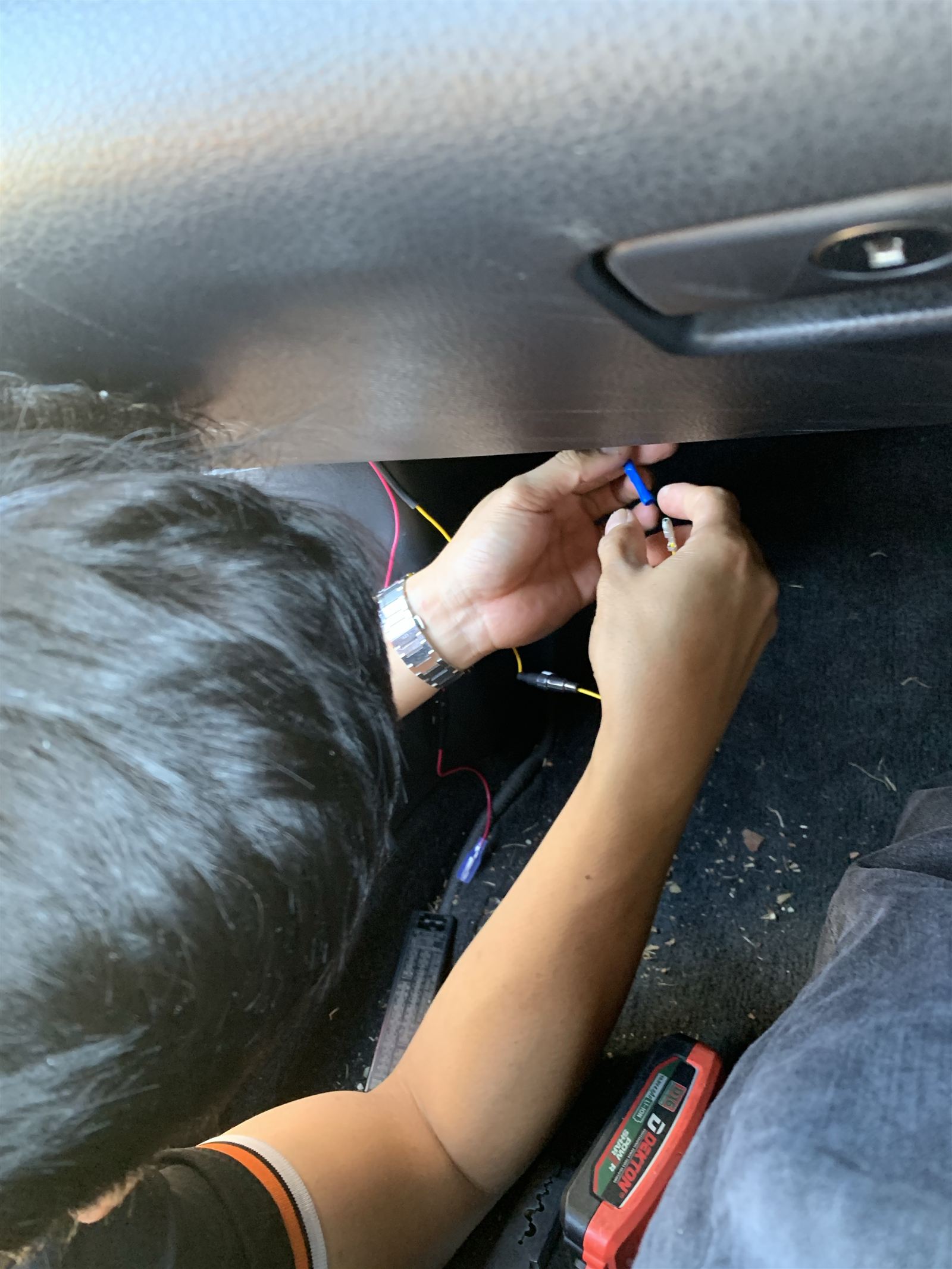
Getting a ground that actually holds
Look for an existing factory ground bolt or screw under the dash or on a kick panel rather than inventing a new one — chassis grounds are usually already there for another accessory or the body harness. Confirm it with a continuity check back to the battery negative terminal before committing to it. If the only available point is painted metal, that paint needs to come off under the contact area first; paint is an insulator, and a ground bolted down onto paint is a ground that works today and fails intermittently in six months. Use a proper ring terminal, not a bared wire twisted around the bolt.
The mistakes we see most often
- ACC and BATT swapped or reversed. If the "constant" lead is actually ignition-switched, the camera never enters parking mode. If the "switched" lead is actually constant, the camera can't tell the car is off, and parking-mode logic and battery protection stop working the way they're meant to.
- No low-voltage cutoff, or the threshold set too aggressively. A camera drawing power 24/7 with no cutoff — or a cutoff set too low — is the single most common cause of a flat battery a few days after a hardwire install, especially on cars that already sit for long periods.
- A bad ground. Corroded, painted-over, or just a wire wrapped around a bolt rather than terminated properly. This shows up as random reboots, flickering, or a camera that only works intermittently.
- Wire pinched or run through a moving or safety-critical zone. Trapped in a door hinge, taped across an airbag panel, or routed where it can chafe through insulation over time and short against the body.
- Over-fused taps. Using whatever fuse came in the kit instead of matching it to the camera's actual draw defeats the point of the fuse being there at all.
- Not testing before buttoning the trim back up. Confirming parking mode actually engages with the ignition off — before the last clip goes back in — saves a full re-strip later if something's wired wrong.
Routing the cable so it disappears
The cleanest path on most cars is down the A-pillar trim, tucked behind the rubber weatherstrip rather than left loose across the dash. This hides the cable completely without needing to fully strip the pillar trim on most vehicles.
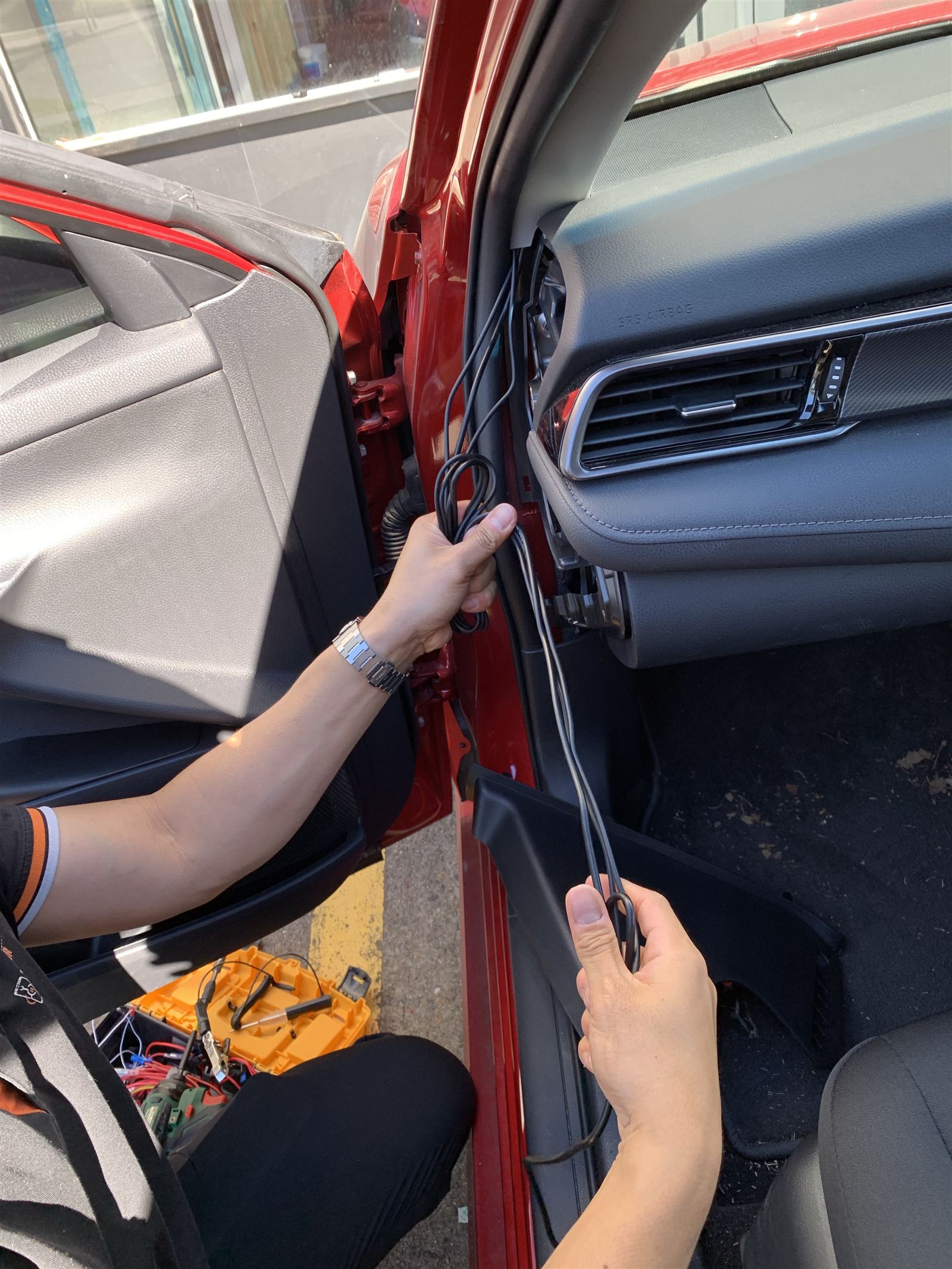
A few things matter more than they look like they should:
- Never tape or clamp a wire across the airbag panel itself. The A-pillar trim on most vehicles is a curtain airbag deployment path — the cable needs to sit in the gap alongside it, never taped over it or blocking the trim's ability to break away in a deployment.
- Keep it away from the door hinge and striker. A cable that gets pinched every time the door closes will eventually chafe through to bare copper.
- Secure to the existing harness, not to the trim itself. Small zip ties or the factory harness's own clips hold up far better over time than adhesive-backed clips stuck to interior plastic, which let go in summer heat.
- Leave a service loop. A little slack at the camera end and at the fuse box end means the trim can come off again later for a battery replacement or a fault without having to re-route the whole cable.
- Stay clear of the pedals and steering column if the run continues down toward the floor or a lower fuse box — nothing electrical should be able to interfere with either.
Done properly, none of the cable is visible once the trim is back on — and just as importantly, none of it is sitting somewhere it can wear through or interfere with a safety system down the track.
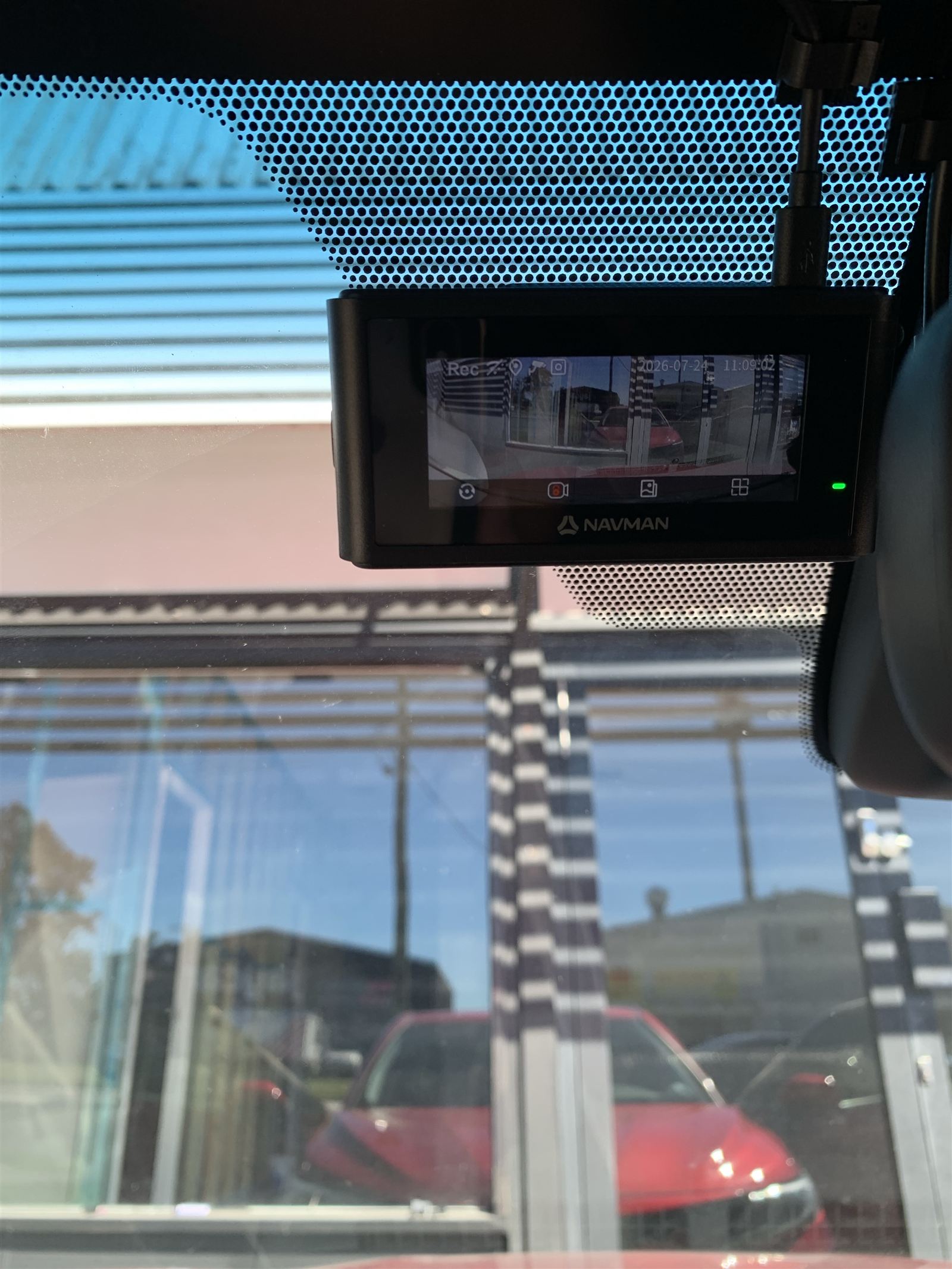
Getting a dash cam hardwired properly?
CQ Electronics installs and hardwires dash cams, reversing cameras and vehicle accessories cleanly — wiring tested and verified before the trim goes back on. Brisbane.
Request a quote →